Quick answer: Shopify development ranges from setting up a theme and store settings, to customising templates and adding apps, to building a custom theme and features in Shopify’s Liquid code. Many stores only need the first two. You need deeper development when your design, features or speed cannot be solved with a theme and a couple of well-chosen apps.
Shopify makes it easy to open a store, which is exactly why so many stores look the same and pay for more apps than they need. Here is how I explain the levels of Shopify development to clients.
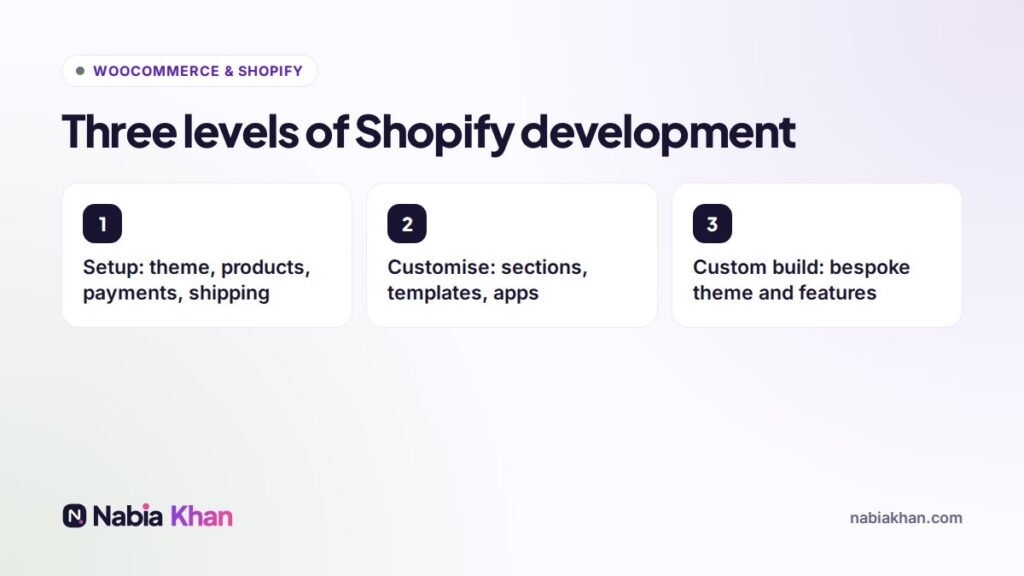
Level 1: Store setup
Choosing a theme, adding products and collections, payments, shipping zones and rates, taxes, policies, navigation and basic SEO settings. Done carefully, this alone gives you a solid store.
Level 2: Customising
Modern Shopify themes are built from sections you can arrange visually. A developer can add custom sections, adjust templates for specific products or collections, refine the design to match your brand and set up a few apps for reviews, upsells or subscriptions.
Level 3: Custom build
A theme designed and coded for your brand, custom product configurators, bundles, B2B features, metafields for rich product data, or integrations with inventory, ERP or fulfilment systems. This is where Shopify development becomes real software work.
Apps vs custom code
Apps are quick and often good. But every app has a monthly fee, and many load scripts on every page, which slows the store. When a store has ten or more apps, I usually find that two or three of them can be replaced with a small piece of custom code that is faster and has no monthly cost.
Speed matters on Shopify too
Shopify hosting is fast, but themes, apps and huge images can still make a store slow. Removing unused app code (uninstalled apps sometimes leave code behind), compressing images and simplifying the homepage are the usual quick wins.
Integrations
Connecting Shopify to email marketing, accounting, a warehouse or a marketplace saves hours of manual work every week. Many integrations exist as apps; others need a small custom connection.
When to hire a Shopify developer
- You want a design that does not look like every other store
- Your products need options or logic the theme cannot handle
- The store feels slow or your app bill keeps growing
- You need Shopify to talk to other systems
Read how to hire a Shopify developer for the questions to ask, and how much a Shopify store costs to plan your budget. If you are still choosing a platform, compare with WooCommerce development.
I build and improve Shopify stores for small brands. See my Shopify development service, the store package, or get a free audit of your current store.
Frequently asked questions
What is Shopify development?
Shopify development covers setting up and customising a Shopify store: theme design and coding in Liquid, store settings, apps, custom features and integrations with other systems.
Do I need a developer for Shopify?
Not for a basic store using a theme as it is. You need a developer for custom design, features that apps do not cover, speed problems, or connecting Shopify to other systems.
Are Shopify apps or custom code better?
Apps are quicker and fine for many needs, but each one adds monthly cost and often slows the store. A small custom feature can be faster and cheaper over time.