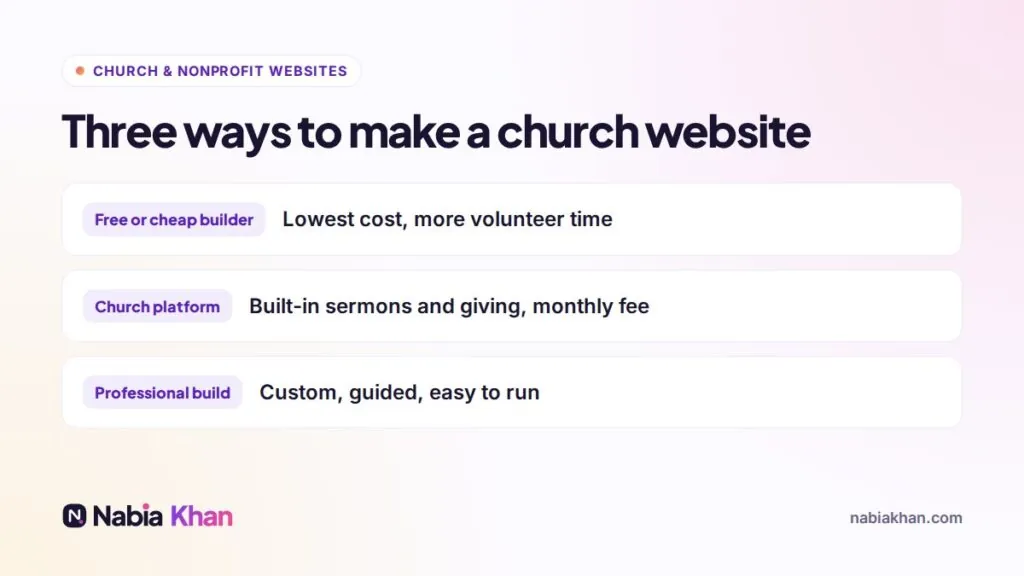
Quick answer: you can make a church website in three ways: a free or low-cost builder (cheapest, but more volunteer time and fewer features), a church-specific platform (sermons, giving and events built in, for a monthly fee), or a professional build (custom design, guided process, easy to run). Whichever you choose, the content matters more than the tool.
Churches often start with a volunteer who “knows computers”. Sometimes that works beautifully. Often the site stalls halfway, or depends on one person who later moves away. Here is how to choose the right path for your church.
Option 1: A free or low-cost website builder
Good for: small churches and plants with a tech-confident volunteer. Free plans usually show ads and use a subdomain, so budget for a paid plan with your own domain; it looks far more trustworthy.
Watch out for: limited sermon and event features, and sites that look like the template they came from.
Option 2: A church-specific platform
Good for: churches that want sermons, events, giving and member tools in one place.
Watch out for: monthly fees, less design flexibility and moving away later can be difficult.
Option 3: A professional build
Good for: churches that want a site that reflects their community, works well on phones, ranks locally and is easy for volunteers to update.
Watch out for: choose someone who will train your team and make sure the church owns the domain and site.
Step-by-step plan (any option)
- Agree who owns the website in your church: one coordinator, plus a backup.
- Register your domain in the church’s name, not a volunteer’s.
- Collect content: service times, beliefs, staff bios, kids info, recent sermons, photos.
- Plan the pages using this church website checklist.
- Choose the platform that matches your budget and volunteer time.
- Design for first-time visitors, as explained in church website design.
- Set up giving with a trusted provider (the same tips apply as in nonprofit website design).
- Test on phones, then launch and announce it on Sunday.
- Keep it current with a simple weekly routine for sermons and events.
Common mistakes
- Domain registered to someone who has left the church
- Only one person knows how to update the site
- Free plan with ads and an awkward web address
- No real photos, only stock images
What it costs
Builders and church platforms are a monthly fee. A professional church website from a freelancer typically costs $500 to $2,500, plus hosting and optional care. See my website packages for fixed prices.
If you would like a church website done properly, with training for your volunteers, see my church website design service or ask me for advice. I am glad to help you choose the right option even if it is not me.
Frequently asked questions
Can I make a church website for free?
Yes, with free plans from website builders, but they usually show ads, use a subdomain and have limited features. A paid plan with your own domain looks far more trustworthy.
What is the best platform for a church website?
WordPress is flexible and affordable for most churches. Squarespace and Wix are simple for small churches. Church-specific platforms bundle sermons, giving and events for a monthly fee.
How long does it take to make a church website?
A simple site can be built in a few days if content is ready. A professional church website usually takes two to four weeks, including photos, sermons and giving setup.