
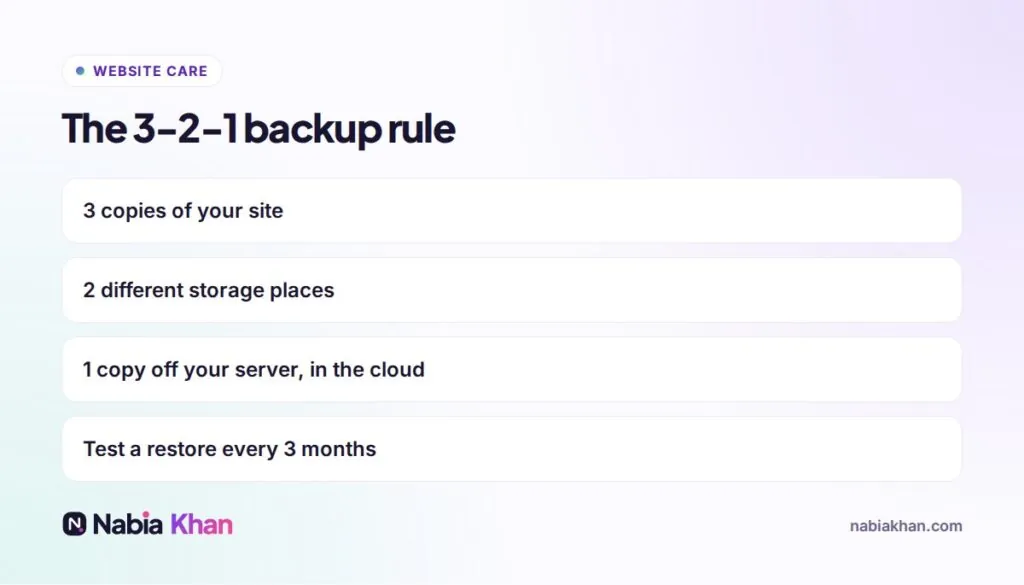
Quick answer: a proper WordPress backup includes both the database and all files, runs automatically (daily for stores, weekly for simple sites), is stored off your server and is tested by actually restoring it now and then. Follow the 3-2-1 rule: three copies, two places, one off-site.
“Do you have a backup?” is the first question I ask when someone calls with a broken or hacked site. The answer is often “I think the host does that”. Sometimes they do. Sometimes the latest copy is three weeks old, or includes the malware, or costs $150 to restore. Let’s make sure that is not you.
What a WordPress backup must include
- The database: posts, pages, settings, users, comments, form entries and WooCommerce orders.
- The files: the uploads folder with your images, themes, plugins and configuration files.
A backup with only one of these is not a real backup.
How often
- Online stores and membership sites: daily, or in real time for orders
- Business sites updated weekly: daily or weekly
- Simple sites that rarely change: weekly
- Always: right before updates and big changes
Where to store backups
Never only on the same server as the website. If the server fails or the account gets hacked, the backups go with it. Use cloud storage such as Google Drive, Dropbox or Amazon S3, which most backup plugins support.
Three ways to back up WordPress
1. Your host’s backups
Convenient and often automatic. Check how long copies are kept and whether restores are free.
2. A backup plugin
Schedules backups and sends them to cloud storage. Choose a reputable, actively maintained plugin, and do not run two at once.
3. A maintenance plan
Someone else handles backups, stores them off-site and restores them when needed. That is part of every maintenance plan I offer.
Test your restore
Every three months, restore a backup to a staging site and click around. It is the only way to know your backups actually work. Many people discover their backups were incomplete only when they need them.
How long to keep backups
Keep at least 30 days of history. Malware can sit unnoticed for weeks, so the most recent backup may already be infected. Older clean copies give you a way back.
Backups are part of a bigger routine
Backups work best alongside updates and security. Read WordPress security: 15 steps and the complete WordPress maintenance guide.
Not sure whether your site is backed up properly? Ask me and I will check, or see care plan prices to have it handled every month.
Frequently asked questions
How often should I back up my WordPress site?
Daily for online stores and sites that change often, weekly for simple sites. Always take an extra backup right before updates or big changes.
Is my web host's backup enough?
It is a good extra layer, but not enough on its own. Host backups can be kept for a short time, may cost money to restore and disappear if the hosting account has a problem. Keep your own off-site copy too.
What should a WordPress backup include?
Both the database (posts, pages, settings, orders) and the files (uploads, themes, plugins and configuration). A backup missing either part cannot fully restore your site.